No downloads required — works in your browser

Screen sharing
made simple

Share your screen instantly with anyone, anywhere. No plugins, no installs — just click and go live.

0%

Uptime

All Devices

Cross-Platform

ZERO

Downloads needed

Full HD

Video Quality

About AltDisplay

The easiest way to
share your screen

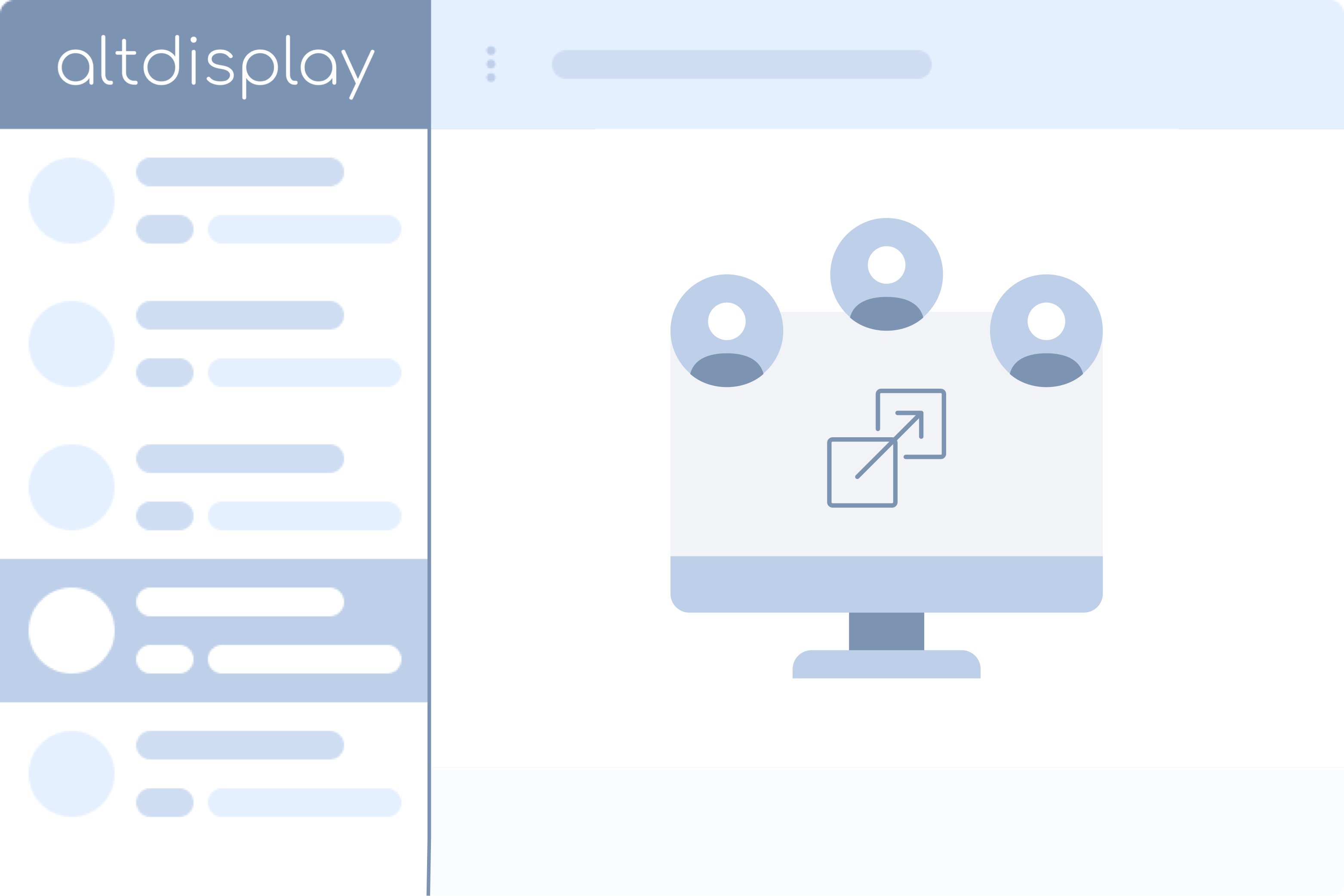
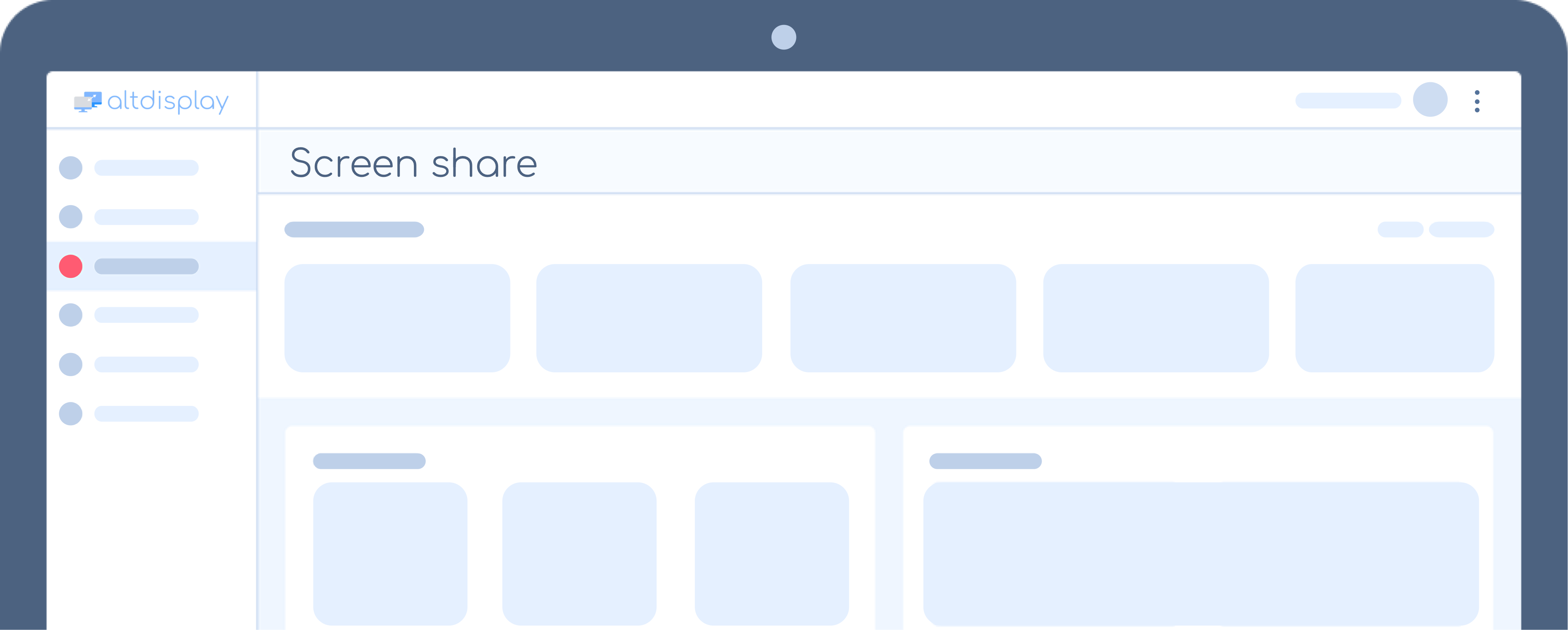
AltDisplay is an easy-to-use, web based, screen sharing application that requires no downloads or installations. Share your screen with AltDisplay's built in microphone support for a seamless chatting experience, or remain muted to enjoy a simple screen sharing presentation.

All it takes is a click of a button to go live! Send invitations via email, sms, or share the link directly to your viewers. Join today and begin sharing your screen with ease.
AltDisplay Features
Features

Everything you need to collaborate

Cross-platform support for mainstream devices and browsers.

Screen Sharing

Share your entire screen, a specific window, or a browser tab with crystal-clear quality.

HD Voice Chat

Built-in microphone support for seamless voice communication during sessions.

Cross-Platform

Works on Chrome, Firefox, Safari, Edge and mobile. No downloads needed.

Team Collaboration

Host meetings with your team. Perfect for presentations, demos, and remote work.

Whiteboard

Collaborate visually with the built-in whiteboard. Draw, annotate, explain.

Easy Invitations

Invite via email, SMS, or share a direct link. Viewers join instantly.

AltDisplay on multiple devices
Pricing

Simple, transparent pricing

All plans include video, screen sharing, and HD voice chatting.

Basic

$9.99/mo

For individuals hosting small screen sharing sessions.

  • 1 × Basic license
  • Unlimited meetings
  • Up to 5 participants
  • 30 min meeting limit
  • Standard (VGA) quality
Select plan

Professional

$19.99/mo

For companies sharing to large audiences with long sessions.

  • 1 × Professional license
  • Unlimited meetings
  • Up to 25 participants
  • 240 min meeting limit
  • Full HD (FHD) quality
  • Whiteboard
  • File sharing
Select plan

Need a custom plan? Contact us today!

FAQ

Frequently asked questions

AltDisplay may be used in a wide variety of fields and industries such as retail, education, medical and customer support.
Unlike most traditional screen sharing applications, there are no downloads or installations required. AltDisplay utilises newer technology that runs directly via web browsers.
Microsoft Edge 79+, Google Chrome 56+, Mozilla Firefox 44+, Safari 12+. We recommend Google Chrome for the best experience.
iOS 12+, Chrome OS, Firefox OS. Mobile browsers may join sessions but cannot host them.
No contracts. Cancel, upgrade, or downgrade at any time.
Please let us know! We'll be happy to create a plan that suits your requirements.
AltDisplay

Ready to get started?

Boost your efficiency with AltDisplay and host meetings with ease.